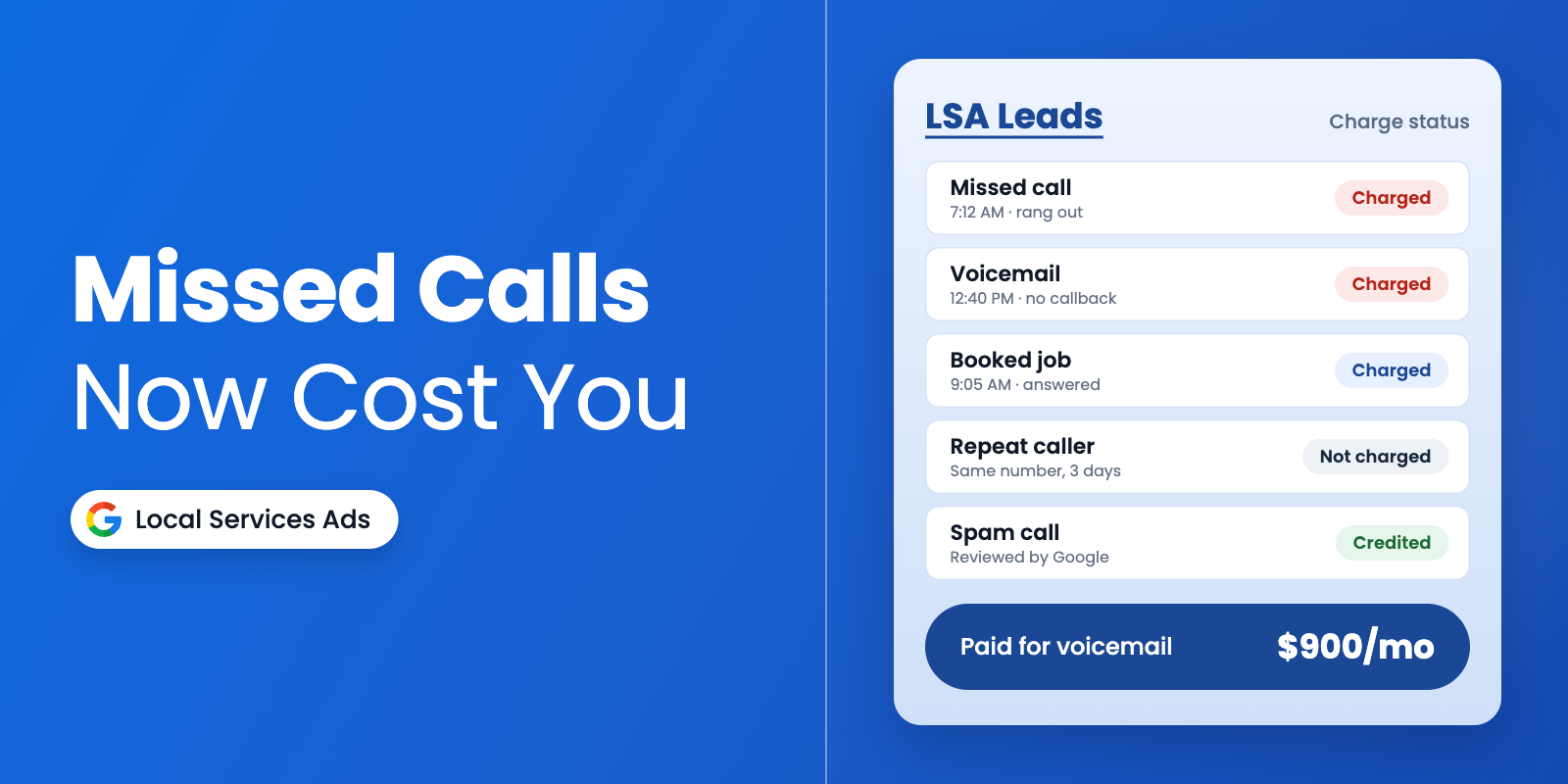
Since October 1, a phone that rings out can show up on your Google bill. Google now treats certain Local Services Ads missed calls as charged leads: if a customer calls during your business hours and stays on the line for more than 20 seconds, you pay, even if nobody picks up. That includes calls that roll to voicemail, whether or not the caller leaves a message.
You didn’t decide to spend more on Google, but if your techs are under a sink while the office phone rings, or your profile lists Saturday hours nobody covers, you are now paying for conversations that never happened.
Below is how the rule works and what to fix this week so your ad spend buys booked jobs instead of voicemails.
What Changed with Local Services Ads Missed Calls
Google expanded its “How leads work” help page this fall, and Search Engine Roundtable flagged the missed-call rule as the biggest change. Here is how it works in plain terms.
A missed call is billable when it comes in during your active ad schedule and your business hours. Google pulls those hours from your Google Business Profile. So, if your profile says you open at 7 a.m. but nobody answers until 8, that first hour is a paid window with no one on the line.
There are a few guardrails. If your phone system asks callers to press a key, the 20-second clock starts after the first key press, and callers who never press a key aren’t charged. Repeat calls or messages from the same number or email within 15 days generally don’t create a new charge. Google also reviews lead quality for 30 days and automatically credits leads it finds to be poor quality, duplicate, or invalid.
Every lead now carries a charge status on your Leads page: Charged, Not charged, In review, or Credited. If you have never looked at that column, start now.
Why This Hits Your Cost Per Lead Harder Than You Think
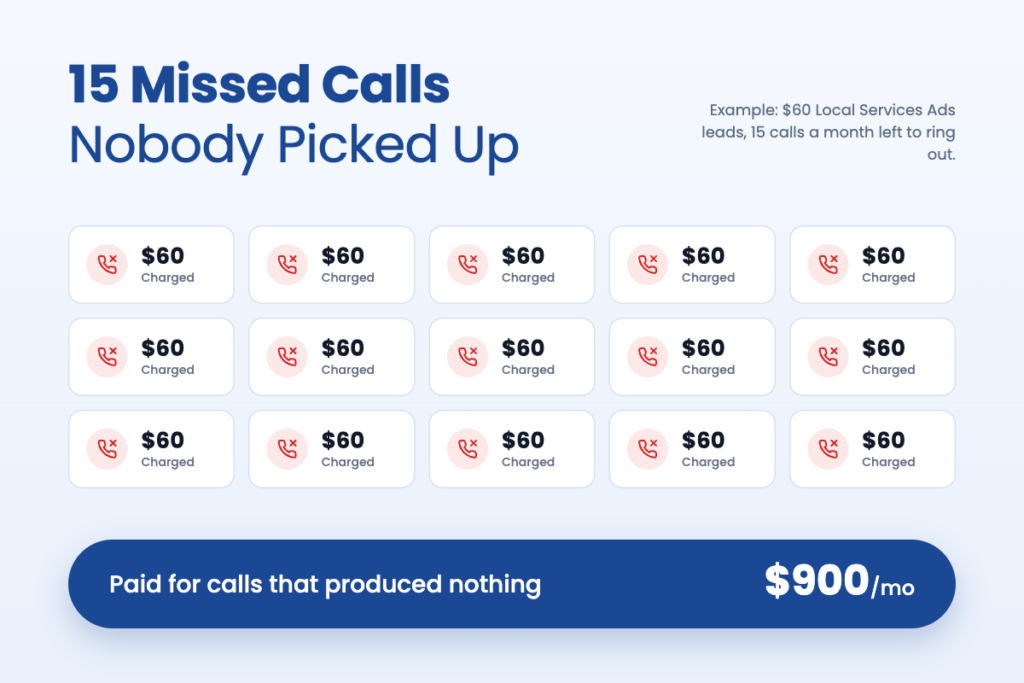
Run the math on your own shop. Say your LSA leads cost about $60 in your market, and your team lets 15 calls a month ring out during business hours. That is roughly $900 a month for calls that produced nothing. For a two-truck HVAC company heading into a slow winter, that is real money.
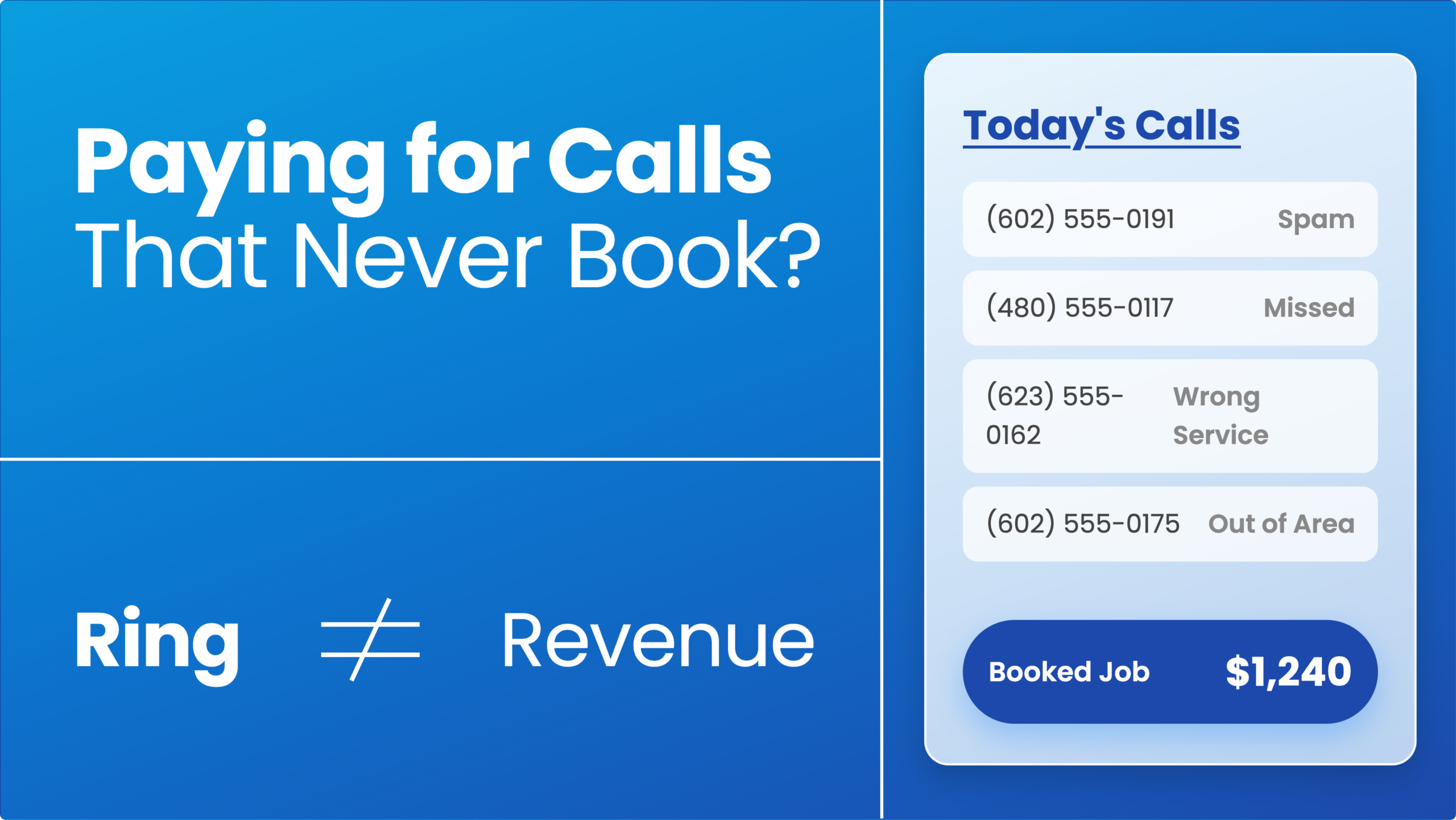
The bigger issue is what those numbers do to your reporting. Your cost per lead looks fine on paper. Behind it, some of those charged leads went to voicemail and never got a callback. Those dollars had zero chance of turning into a job.
This lines up with a second change. Google is moving Local Services Ads into Google Ads as Performance Max campaigns built for pay-per-lead goals. The first phase started in August 2026 for select U.S. home service advertisers, with broader groups, including service-area businesses, moving in late 2026. After migration, manual bidding goes away, a single campaign-level Target CPA replaces category-level targets, and weekly budgets convert to daily averages. Historical performance reports also don’t carry over.
Put simply, Google is taking more control of how your LSA budget gets spent. That puts more weight on the part you still control: answering the phone and converting the lead. We covered why cost per lead alone doesn’t tell you if marketing is working, and this change makes that point sharper.
5 Ways to Stop Paying for Missed Calls This Week
None of these require a bigger budget. Each one helps you get more from the Google Local Services Ads spend you already have.
- Match your profile hours to your answering hours. If no one reliably picks up before 8 a.m. or after 5 p.m., don’t list those hours on your Google Business Profile. Check your ad schedule too. Billable hours should equal staffed hours.
- Build an overflow plan for peak times. Lunch, the morning rush, and the first cold snap are when calls stack up. Route overflow to a dispatcher, a second phone, or an answering service so calls don’t sit in voicemail.
- Think twice before adding a phone menu just to dodge charges. Yes, callers who never press a key aren’t charged. But a homeowner with a burst pipe may hang up and call the next plumber on the list. Use a menu only if it helps callers reach the right person faster.
- Call back fast, and make the first reply specific. A September 2026 LeadTruffle analysis of 4,699 first replies on Yelp, Thumbtack, and Google LSA found that replies naming the specific job, asking one clear question, and not asking for a phone number right away got a 60.5% reply rate within 24 hours, compared with 50.3% for other replies. It measured replies, not bookings, but the lesson is clear. “Hi, saw you called about a leaking water heater. Is it the tank or a fitting?” beats “Thanks for reaching out.”
- Review charge statuses every week. Look at which leads were charged, which are in review, and which were credited. If you see a pattern of junk calls being charged, you’ll catch it early instead of at the end of the quarter.
One more task if your account hasn’t migrated yet: export your historical LSA reports now. Google says those reports won’t transfer to Google Ads, and you’ll want a baseline to compare against.
Track Booked Jobs, Not Just Charged Leads
Here is the real fix. Google will tell you how many leads you paid for. It won’t tell you how many became booked jobs, what those jobs were worth, or which missed calls never got a callback.
That data lives in your CRM, your call tracking, and your dispatch board. When those systems talk to your ad accounts, you can see, for example, that 40 LSA leads became 22 booked jobs and $31,000 in revenue, and that 9 of them went to voicemail and never heard back. That is the difference between guessing and knowing where each dollar went.
At VIIRL, we connect lead sources to your systems through CRM integrations built for home service companies, so every Local Services Ads lead can be tied to a booked job. For text, DM, and email leads, Lead Close Pro sends an instant, personalized first response and keeps following up, day or night, so fewer paid leads go cold.
Make Your Google Local Services Ads Budget Work Harder
Local Services Ads missed calls don’t have to raise your costs. The shops that pick up quickly and track booked jobs will get more work from the same spend. The ones that let the phone ring will pay for the silence.
If you want a second set of eyes on your Local Services Ads setup before your account migrates, talk with the VIIRL team about your Google advertising. We’ll show you which leads are turning into jobs and where you’re paying for calls nobody answered. You can also send us a note through the VIIRL contact page.
FAQ
Does Google charge for missed calls on Local Services Ads?
Yes. Since October 1, 2026, a missed call during your business hours is charged as a lead if the caller stays on the line for more than 20 seconds. Calls that reach voicemail count too, whether or not the caller leaves a message.
Can I get a credit for a bad Local Services Ads lead?
Google reviews lead quality over a 30-day period and automatically credits leads it finds to be poor quality, duplicate, or invalid. You can see each lead’s status (Charged, Not charged, In review, or Credited) on your Leads page.
Are Local Services Ads moving to Performance Max?
Yes. Google is moving Local Services Ads into Google Ads as a Performance Max campaign type built for pay-per-lead goals. The rollout started in August 2026 for select U.S. advertisers and continues in phases through 2027.